Google Veo 3.1 AI Video Generator
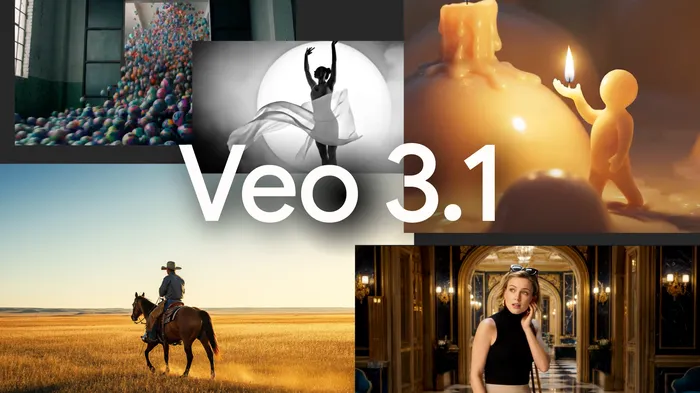
Experience Google’s new Veo 3.1, an advanced AI video model that turns simple prompts into cinematic stories — now with Start & End Frame, Multi-Image Reference, and Extend for longer, seamless scenes.
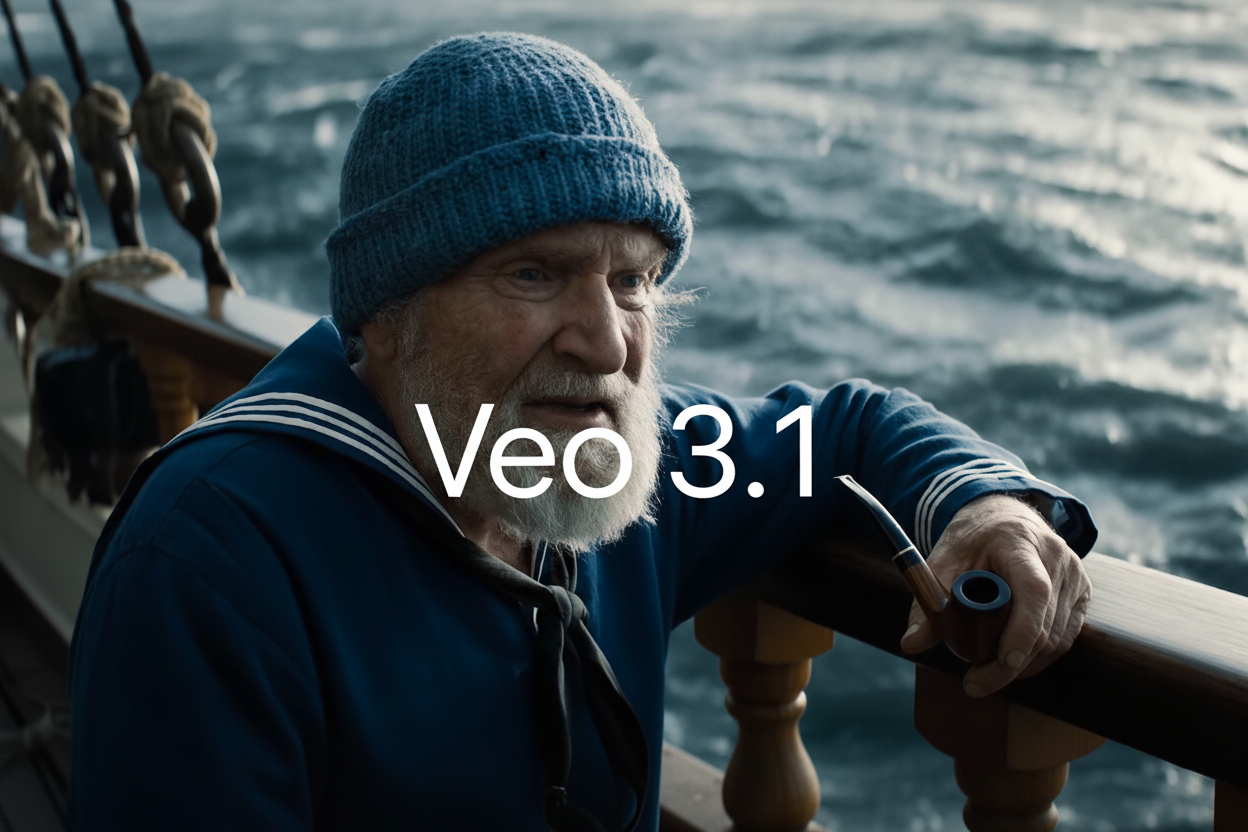
Select the model you want to generate your video with.
Google Veo 3.1 AI Video Generator
Transform simple prompts into cinematic stories with audio, frame control, and seamless motion.
New Features in Veo 3.1 AI Video Generator
Start and End Frame in Veo 3.1 for Smooth Scene Transitions
With Veo 3.1, you can define exactly how your video starts and ends. Set both the first and last frames, and the model fills in the motion between them naturally. This gives you clean, cinematic transitions that connect scenes smoothly and keep the flow consistent.
Multi-Image Reference in Google Veo 3.1 for Visual Control
In Google Veo 3.1, you can upload multiple reference images to guide how your video looks. The model uses them to match lighting, color, and design, so every scene feels visually consistent. This is useful when you want the same style across different clips or shots.
Extend Video Length in Veo3.1 for Continuous Shots
Veo3.1 includes an Extend feature that lets you keep the motion going beyond eight seconds. It continues the action based on the last frame of your previous clip, keeping timing and sound in sync. This helps you build longer, more connected videos without breaking continuity.
Character Consistency in Veo 3.1 AI Video Generator
When you create multi-scene projects with Veo 3.1, your characters stay the same across every clip. The model keeps their appearance, color, and movement consistent, making each sequence feel like part of one continuous story.
Key Capabilities of Google Veo 3.1 Model
Richer Audio and Enhanced Audiovisual Quality in Veo 3.1
Veo 3.1 brings richer, more dynamic audio and improved audiovisual quality across all features, including “Frames to Video” and “Extend.” It now generates synchronized sound directly within each clip—dialogue, ambience, and effects that match visuals naturally—making scenes feel alive and cohesive.
Stronger Prompt Adherence in Google Veo 3.1
Google Veo 3.1 responds to text prompts with greater precision and consistency. It captures detailed visual intent—composition, camera motion, tone, and pacing—without drifting from your original description. This stronger prompt adherence ensures reliable, story-accurate results in every generation.
Enhanced Realism and Texture Detail in Veo3.1 Videos
Veo3.1 enhances realism with true-to-life textures, natural lighting, and motion that behaves like real-world physics. Surfaces, reflections, and shadows feel authentic, giving each frame cinematic depth. This upgrade makes generated scenes visually convincing and emotionally immersive.
Improved Image-to-Video Quality in Veo 3.1 AI Video Generator
When turning still images into video, Veo 3.1 produces smoother transitions, balanced color, and synchronized audio for a cohesive result. It bridges the gap between static visuals and motion, creating clips that retain the original image’s clarity while adding lifelike movement and sound.
New Editing Capabilities in Flow with Veo 3.1
Insert New Elements in Veo 3.1 Flow
With Flow powered by Veo 3.1, you can add new elements at any point in your video — from realistic objects to imaginative creations. The system automatically adjusts shadows, lighting, and reflections so that each addition blends seamlessly into the existing frame. It’s simple, precise, and keeps your scene visually consistent without extra editing work.
Remove Unwanted Objects with Veo 3.1 Flow
Flow powered by Veo 3.1 lets you remove unwanted items or characters from any clip. Once deleted, the model automatically reconstructs the background and environment, keeping lighting and texture natural. The result is a clean, cohesive scene where the removed object appears never to have existed.
Veo 3 vs Veo 3.1 vs Sora 2 Model Overview
Veo 3
Veo 3 is Google’s AI video model that turns text or image prompts into 8-second 1080p clips with native audio, including dialogue and ambient sound. It supports 9:16 and 16:9 formats and offers two modes — Veo 3 for high quality and Veo 3 Fast for faster, cost-efficient generation.
Veo 3.1
Google Veo 3.1 is an upgrade to Veo 3 with richer multi-voice audio, stronger character consistency, and native 1080p output. With Extend, you can create longer videos — often a minute or more. It adds cinematic presets and multi-prompt storytelling, and comes in two configurations: Veo 3.1 and Veo 3.1 Fast.
Sora 2
Sora 2 is OpenAI’s latest text-to-video model, generating up to 10-second clips (15 seconds with Sora 2 Pro) featuring synchronized dialogue, ambient sound, and effects. Available in ChatGPT and the standalone Sora 2 app, it also introduces Cameos, allowing users to upload short video or audio samples so the model can recreate their face and voice in realistic AI-generated scenes.
Veo 3 vs Veo 3.1 vs Sora 2 Feature Comparison
Here’s a quick overview of how Google’s Veo models compare with OpenAI’s Sora 2 — including their video length, audio capability, resolution, and creative focus.
| Category | Veo 3 | Veo 3.1 | Sora 2 |
|---|---|---|---|
| Native Audio | ✅ Yes — includes dialogue, ambient sound, and SFX | ✅ Yes — richer multi-voice audio with spatial sound and improved clarity | ✅ Yes — synchronized dialogue, background sound, and effects |
| Video Length | ~8 seconds | 4, 6, or 8 seconds; with “Extend,” videos can reach one minute or more | 10 seconds, or 15 seconds with Sora 2 Pro |
| Resolution | Up to 1080p | Native 1080p output | 480p–720p (Sora 2 Plus), 1080p (Sora 2 Pro) |
| Formats | Vertical (9:16) / Horizontal (16:9) | Vertical (9:16) / Horizontal (16:9) | Portrait / Landscape |
| Key Features | Text-to-video / image-to-video, native audio, two modes (Veo 3 / Veo 3 Fast) | Richer audio, multi-prompt storytelling, improved realism, stronger prompt adherence, better character consistency | Synchronized audio-visuals, Cameos, and multi-scene continuity |
| Ecosystem / Use Case | For creators and brands producing high-quality short videos and ads | Built for cinematic and story-driven AI video creation | For social, UGC, and creative expression via the Sora 2 app |
How to Try Veo 3.1 AI Video Generator Free
Open Veo 3.1 AI Video Generator
Go to veo31ai.ai and choose the Veo 3.1 AI Video Generator from the homepage. This opens the free tool where you can create and test videos directly in your browser. No setup or registration required.
Write a Prompt or Upload Reference Images
Enter a text prompt describing your scene, or upload reference images to guide the look and style. Veo 3.1 combines both to generate realistic 1080p videos with synchronized audio.
Download or Share Your Veo 3 Video
Preview the generated video, then download or share it instantly. You can also extend the clip to continue your scene with consistent motion and sound.
Frequently Asked Questions
Try Google Veo 3.1 AI Video Generator Free Now
Start Creating with Google Veo 3.1 Today
Experience the new Veo 3.1 and see how Google’s latest model transforms simple prompts into cinematic 1080p videos with natural sound and lifelike motion. Try it on veo31.ai and create your first scene in seconds.